先找到那一天Start with a day
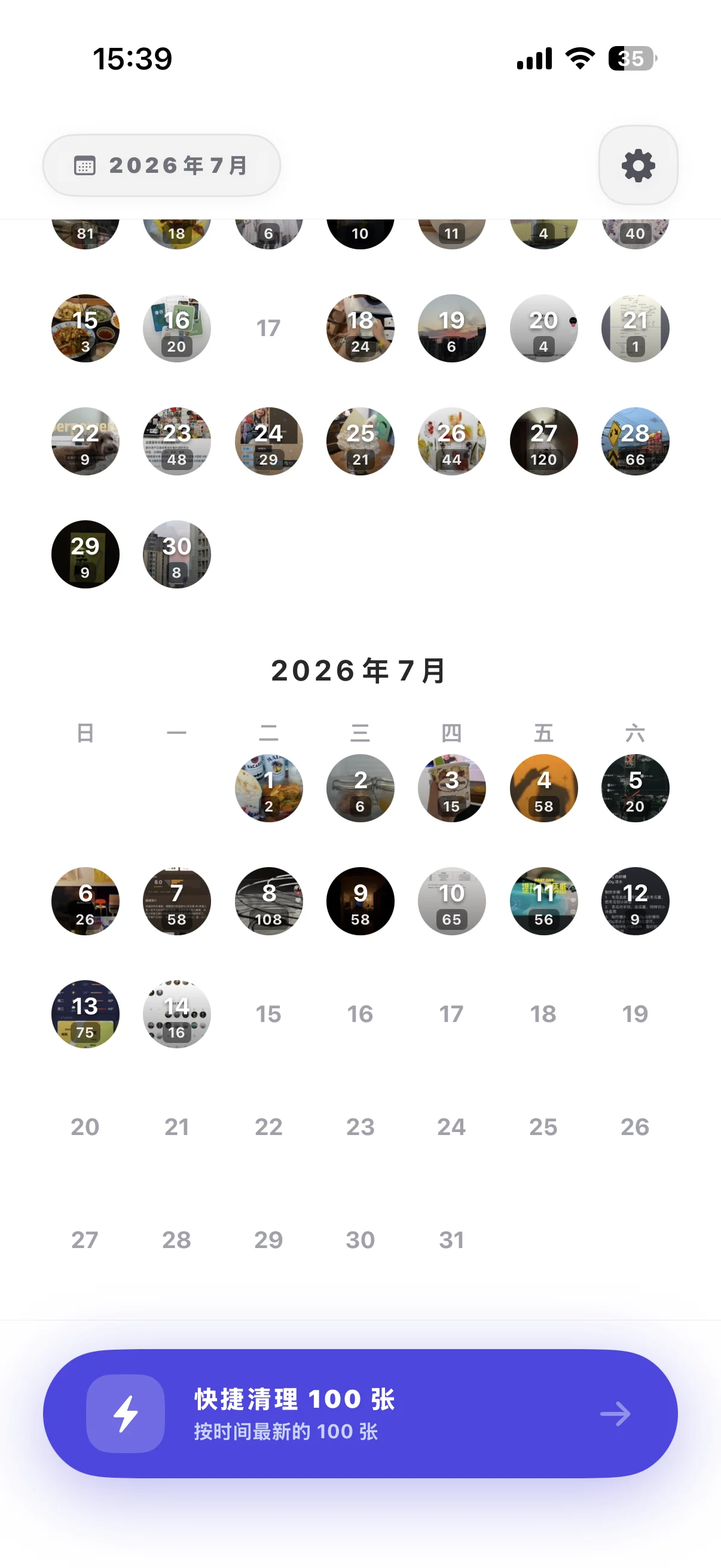
相册按日期展开,先看清照片来自哪一天,再决定从哪里开始。Your library opens by date, so you always know where a cleanup session begins.

iPhone · iOS 17.6+ · Free
按日期进入,滑动决定保留或待删,删除前再统一确认。把原本需要反复判断的相册整理,变成一个顺手的动作。Enter by date, swipe to keep or mark, then review everything before deletion. Photo cleanup becomes one calm, repeatable motion.
把整理变成直觉Make tidying intuitive
相册按日期展开,先看清照片来自哪一天,再决定从哪里开始。Your library opens by date, so you always know where a cleanup session begins.
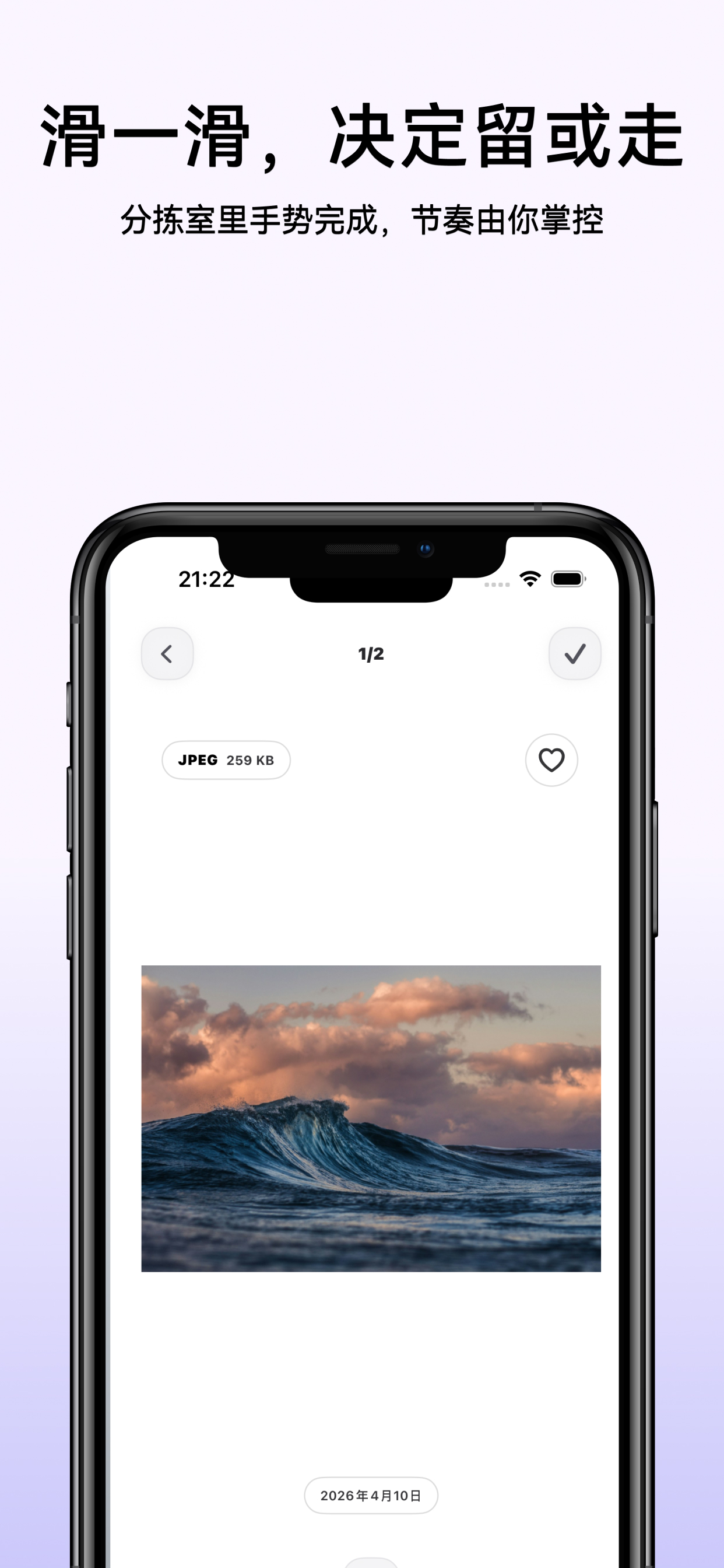
左右保留,下滑标记待删。一个直觉手势,不在复杂菜单里来回判断。Swipe sideways to keep, down to mark for removal. One gesture, no menu maze.
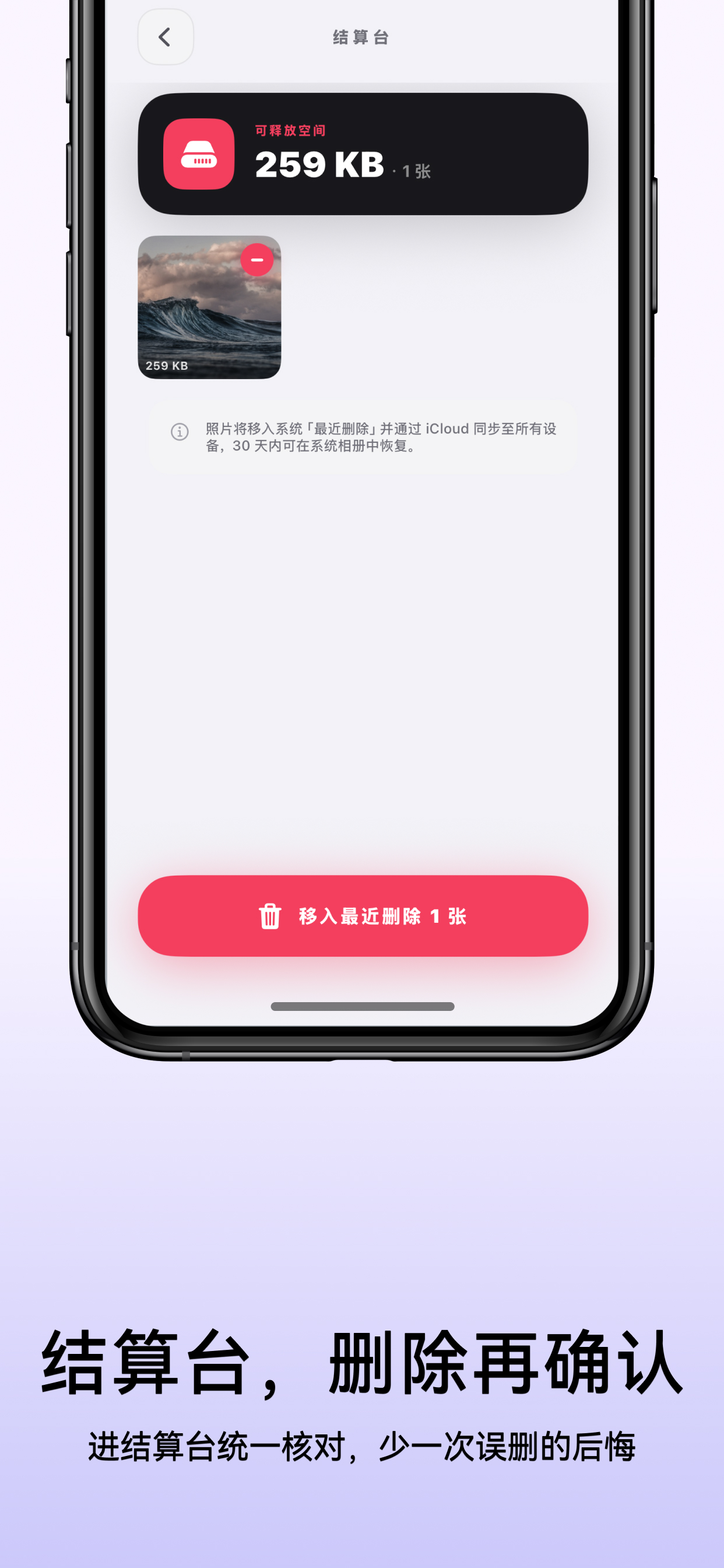
待删内容先进入结算台,统一核对后才移入系统“最近删除”。Review every marked item together before anything moves to Recently Deleted.
ONE SCREEN · THREE DECISIONS
没有工具栏迷宫,也不会一滑就永久删除。保留、收藏和待删都在同一页完成,最后仍由你统一确认。No toolbar maze and no instant permanent deletion. Keep, favorite and mark in one view, then confirm everything together.
当天结束后,可回到大厅,也可继续清理前一天或后一天。When the day is done, return home or continue with the day before or after.
PICTIDY IN ACTION


照片是私人的Your photos are personal
Pictidy for iPhone